
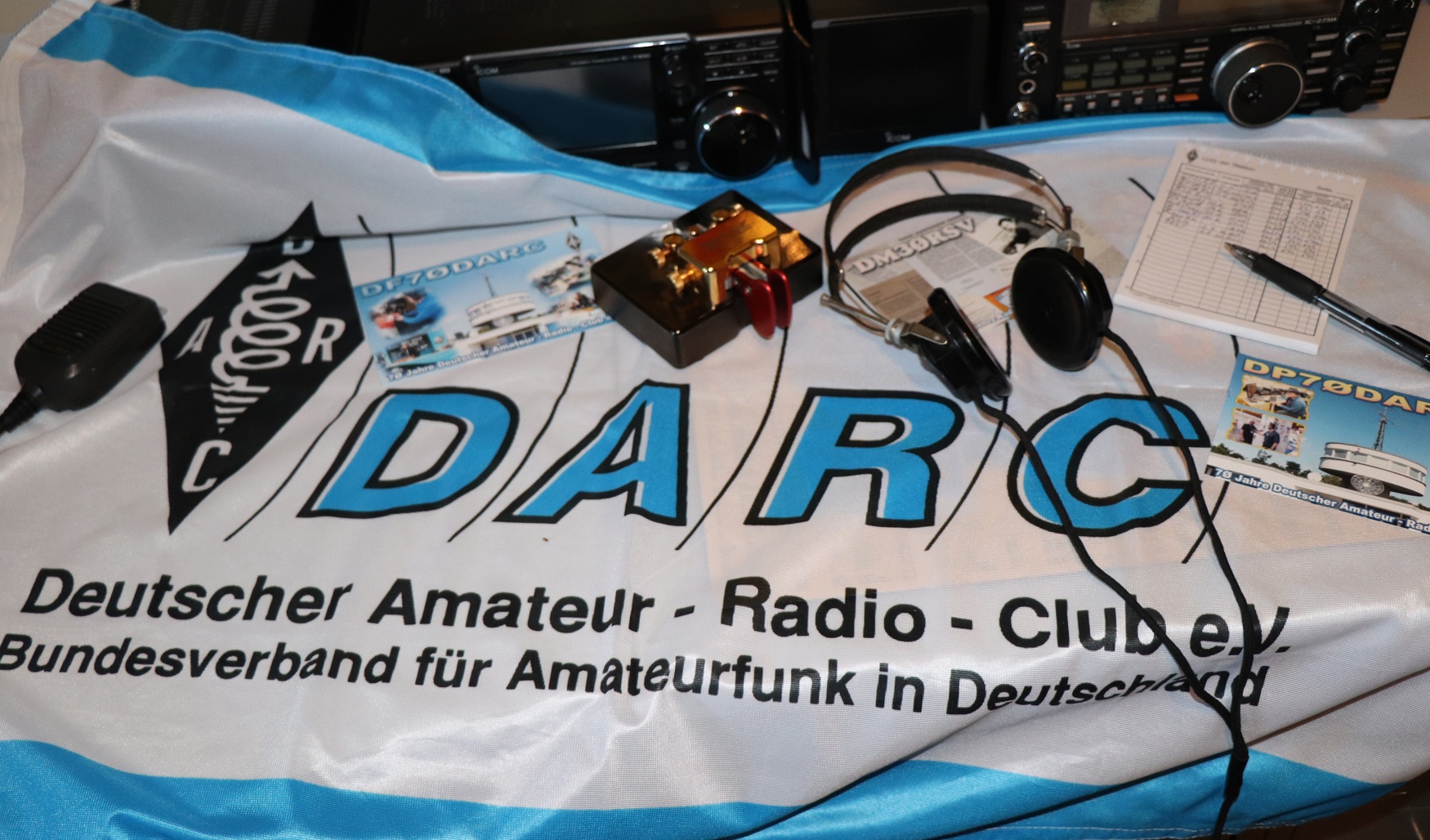
Offizielle Webseite:
https://ses.darc.de/
Mitglieder Team SES
DB4SNK, DD2TC, DF1QR, DF2ET, DF4ZL, DF6YC, DF9ZV, DG8HJ, DG8WA, DG0TM, DH0HAN, DJ3BC, DJ6OL, DJ7NT, DJ9XX, DK3DM, DK3RW, DK5CH, DK5KK, DK5MIK, DK5ON, DK7LJ, DK8ZZ, DK9BM, DL1DCT, DL1GBZ, DL1RUN, DL1WH, DL1YCG, DL1YEG, DL2ARN, DL2CC, DL2VFR, DL3ABD, DL3CQ, DL3FF, DL3GA, DL3KBB, DL3YEE, DL4BBH, DL4YR, DL5CV, DL5YM, DL6CQ, DL6ON, DL7FP, DL7UE, DL8JJ, DL9ET, DL9HCO, DL9SAD, DL9WO, DM4EZ, DM4KA, DM5XT, DM6WAN, DO1RWM, DO2XU, DO8MKR
Aktive Sonderrufzeichen
Rufzeichen | SDOK | Aktivierungszeitraum |
|---|---|---|
| DA100TV und DL100TV | 100TV | 1. Januar 2026 - 31. Dezember 2026 |
| DA100LH, DL100LH und DK100LH | 100DLH | 1. Januar 2026 - 31. Dezember 2026 |
| DB70DLRS | 70DLRS | 1. Juni 2026 - 31. Dezember 2026 |
Geplante Aktivitäten mit Sonderrufzeichen 2026
Rufzeichen | SDOK | Aktivierungszeitraum |
|---|---|---|
| DA26IDPD | 15. November 2026 - 15. Dezember 2026 | |
| DG125WH | 01. Dezember 2026 - 31. Dezember 2026 | |
| DM4RLENE | 01. Dezember 2026 - 31. Dezember 2026 |
- EDIT THE CALENDAR
Customise the different types of events you'd like to manage in this calendar.
#legIndex/#totalLegs - RESTRICT THE CALENDAR
Optionally, restrict who can view or add events to the team calendar.
#legIndex/#totalLegs - SHARE WITH YOUR TEAM
Grab the calendar's URL and email it to your team, or paste it on a page to embed the calendar.
#legIndex/#totalLegs - ADD AN EVENT
The calendar is ready to go! Click any day on the calendar to add an event or use the Add event button.
#legIndex/#totalLegs - SUBSCRIBE
Subscribe to calendars using your favourite calendar client.
#legIndex/#totalLegs
- EDIT THE CALENDAR
Customise the different types of events you'd like to manage in this calendar.
#legIndex/#totalLegs - RESTRICT THE CALENDAR
Optionally, restrict who can view or add events to the team calendar.
#legIndex/#totalLegs - SHARE WITH YOUR TEAM
Grab the calendar's URL and email it to your team, or paste it on a page to embed the calendar.
#legIndex/#totalLegs - ADD AN EVENT
The calendar is ready to go! Click any day on the calendar to add an event or use the Add event button.
#legIndex/#totalLegs - SUBSCRIBE
Subscribe to calendars using your favourite calendar client.
#legIndex/#totalLegs
1 Comment
Michael Funk DF6YC
15. Sept 2026Hallo,
und Danke, das die Tabelle wieder etwas farbiger geworden ist.
73 Michael - DF6YC